Scam alert! Online shoppers be aware

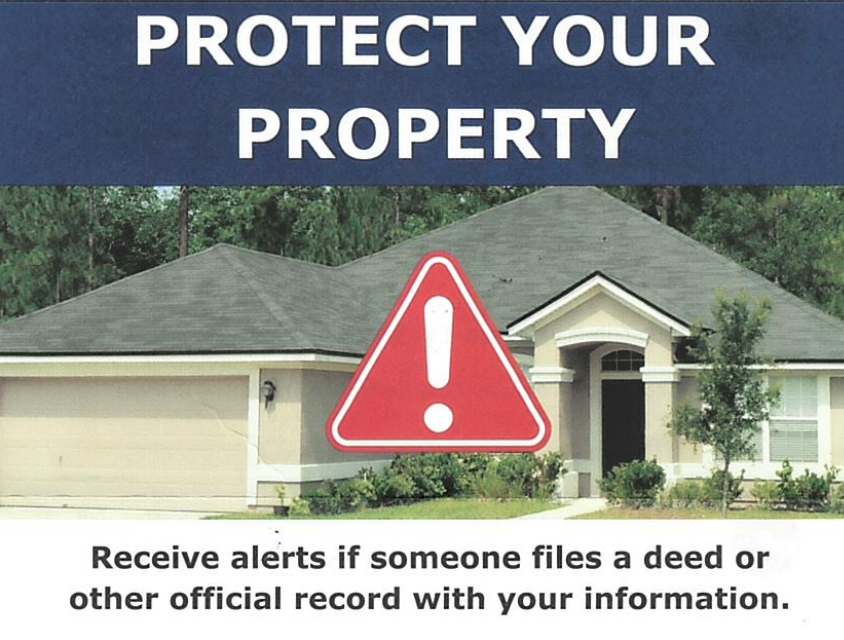
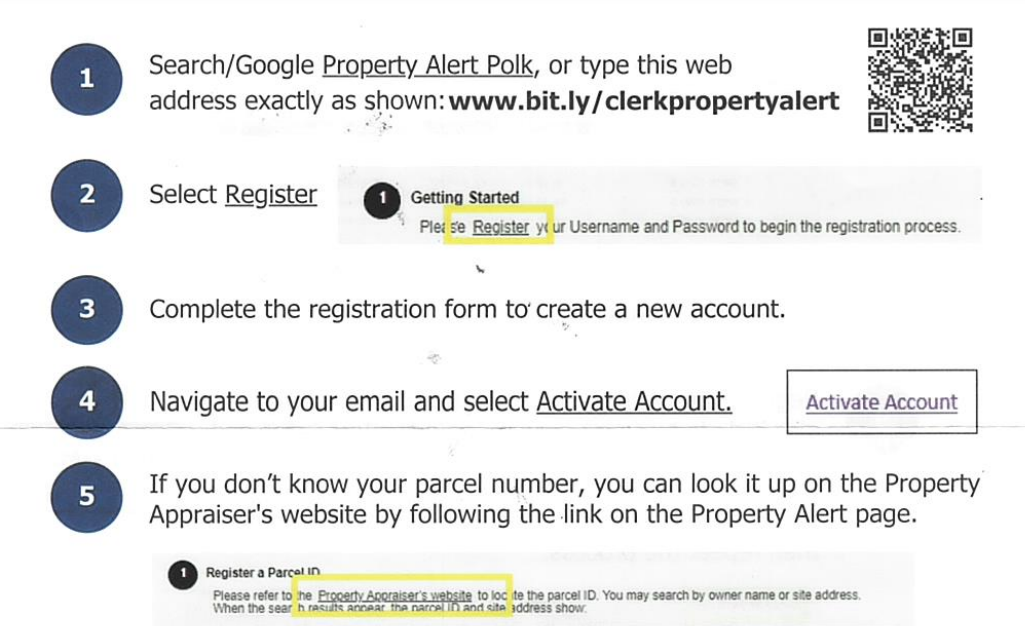


This is for Polk County, however I am sure other counties in Florida have a similar website as well
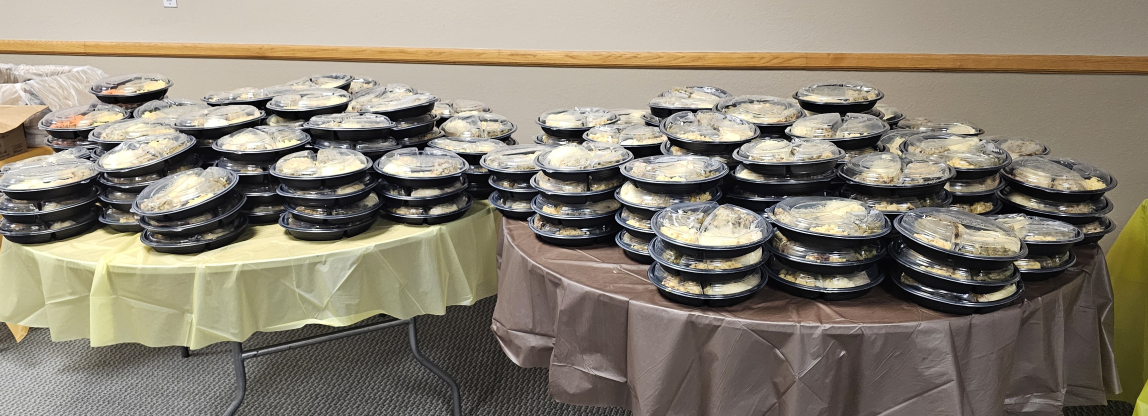
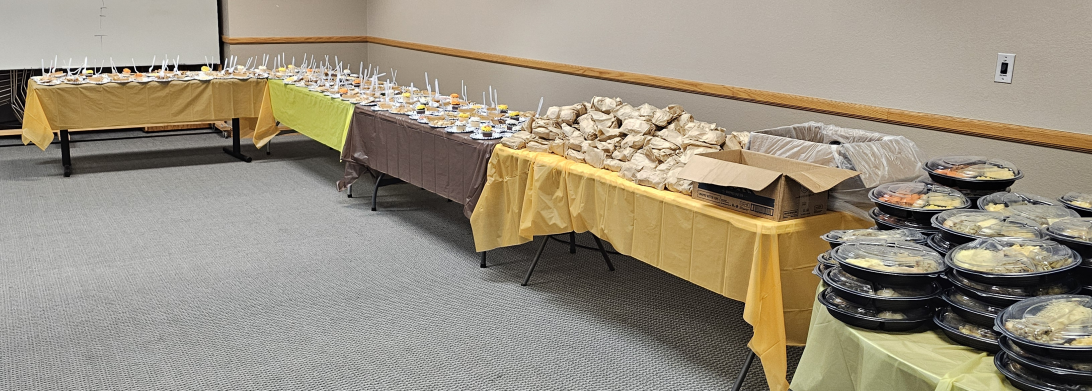
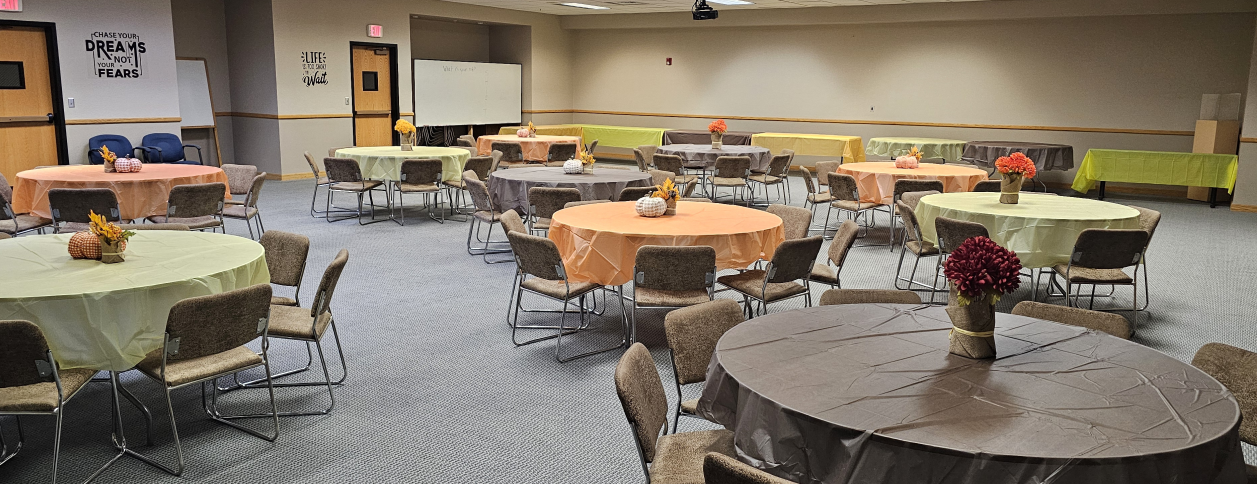
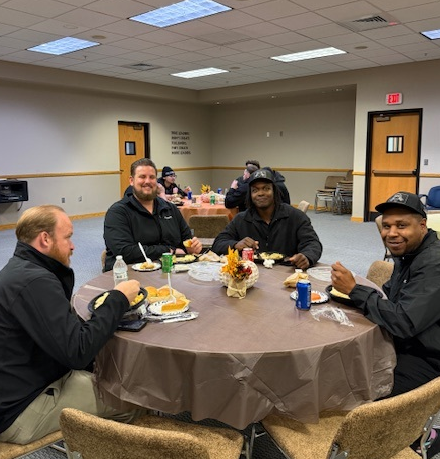
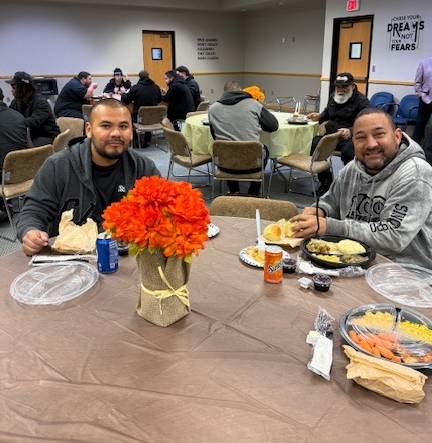
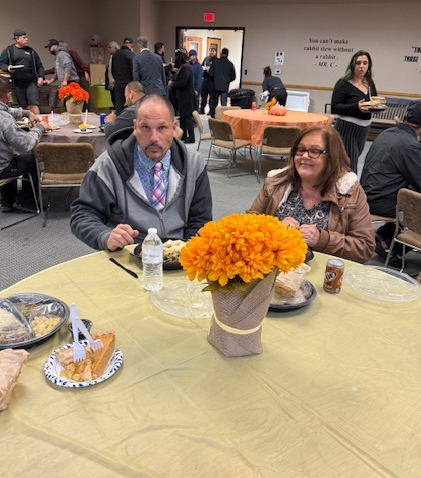
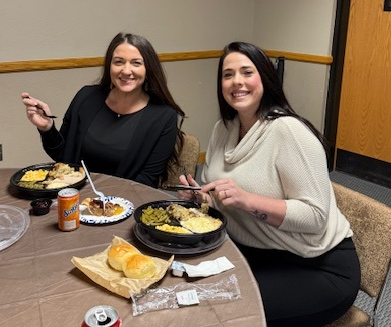
Thank you Janni and everyone who assisted and for organizing and making Thanksgiving lunch a success.
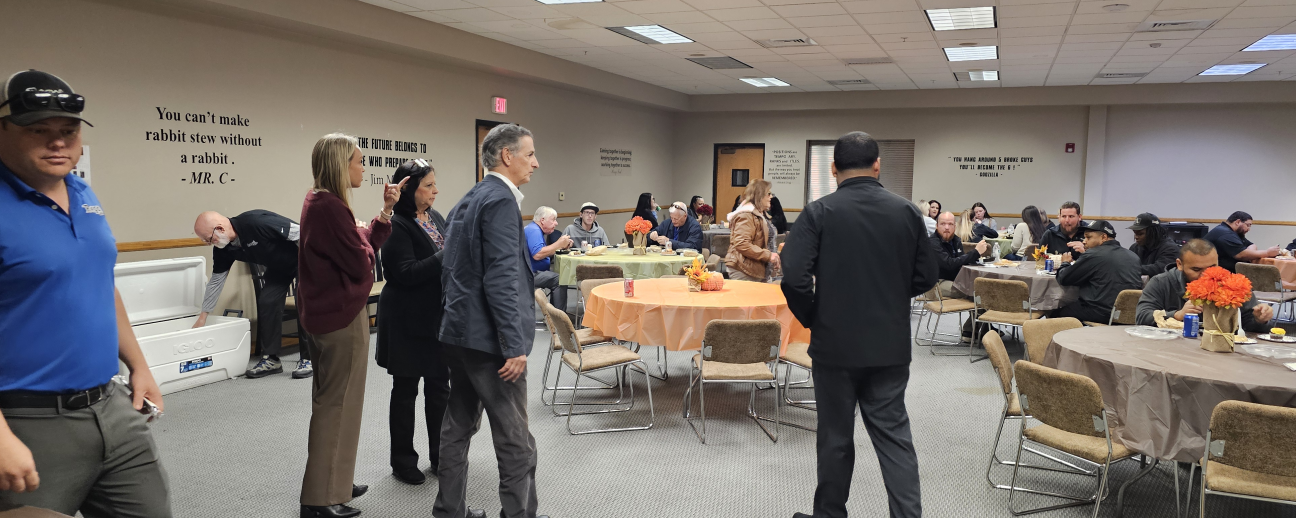
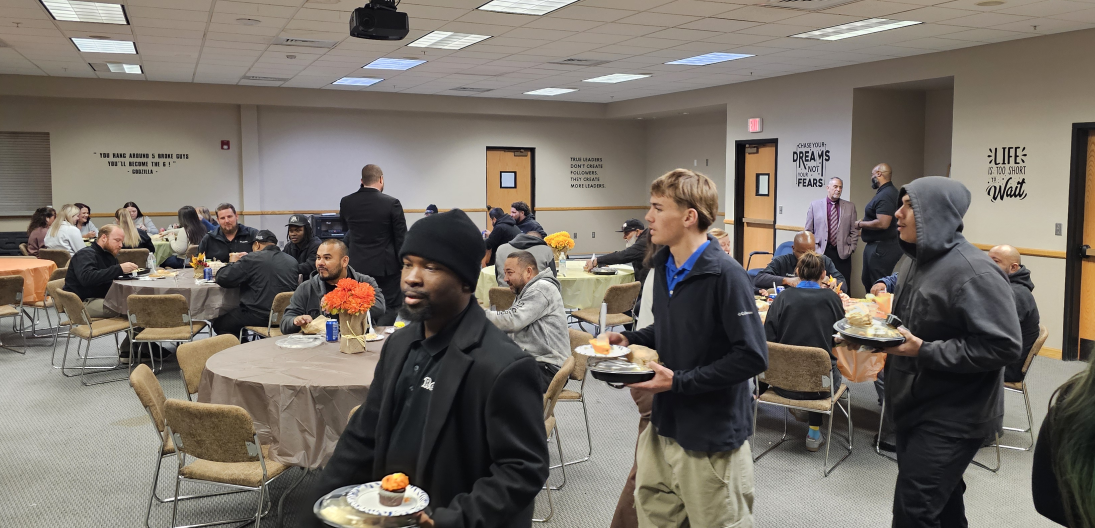

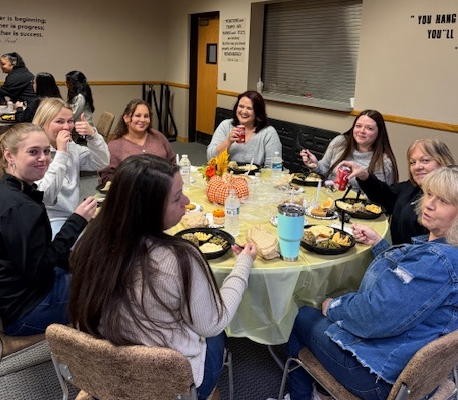
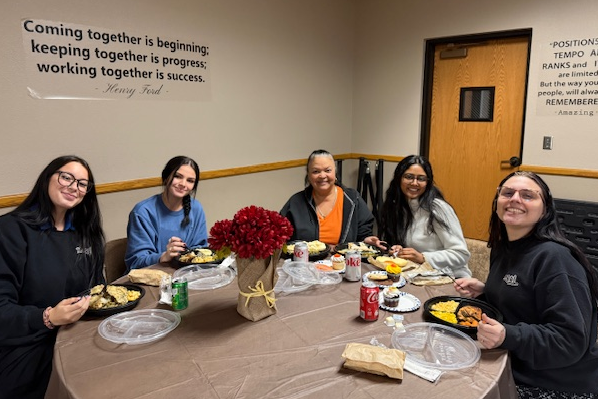
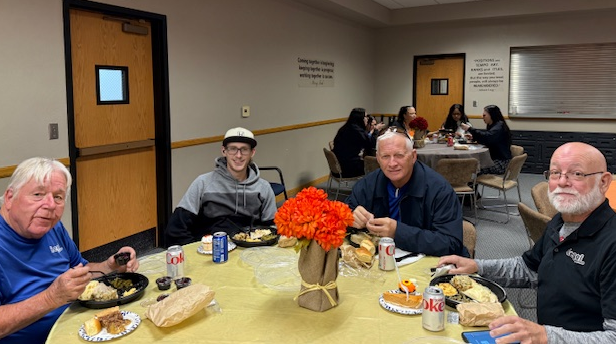
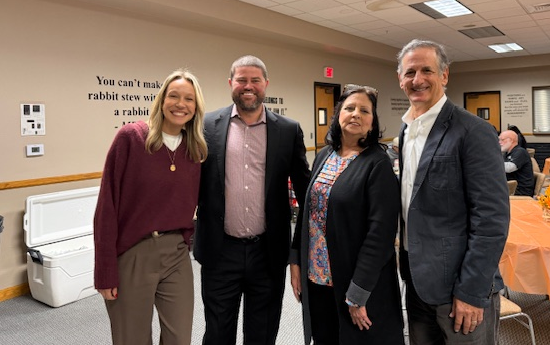
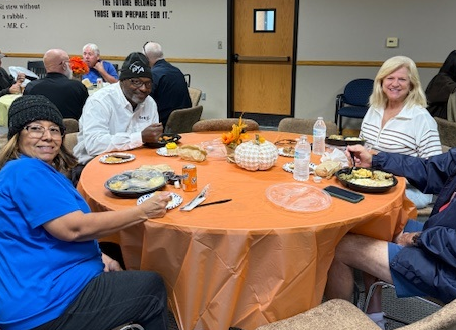
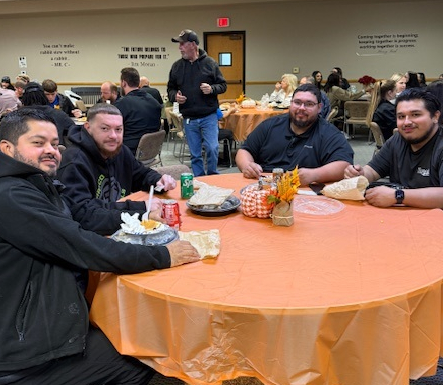
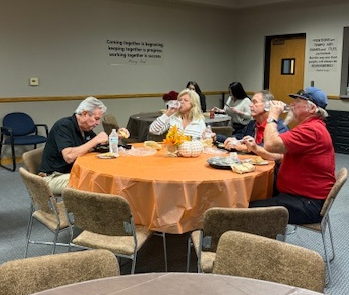
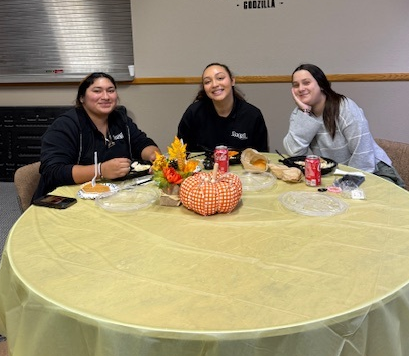
North side ⬇️


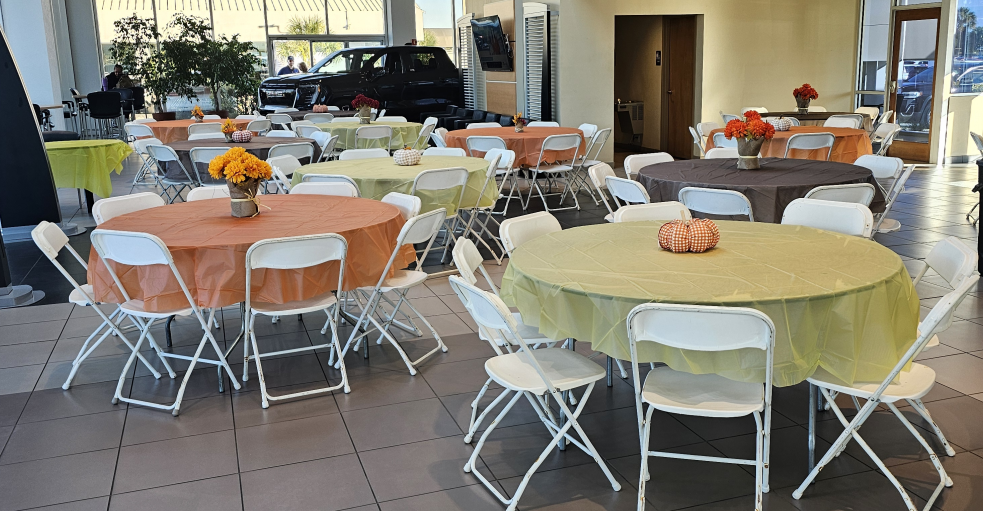
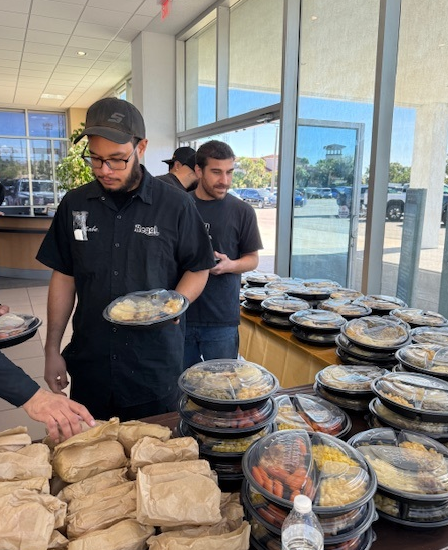
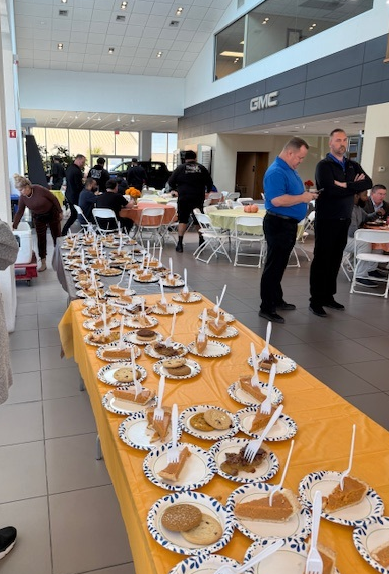
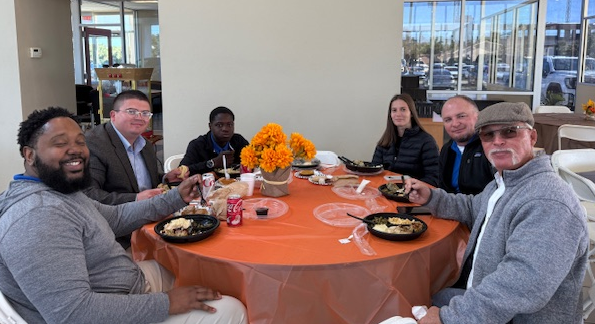
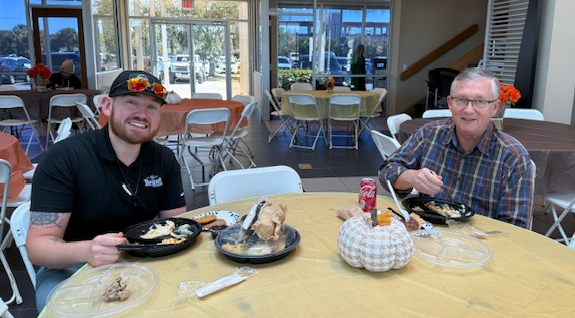


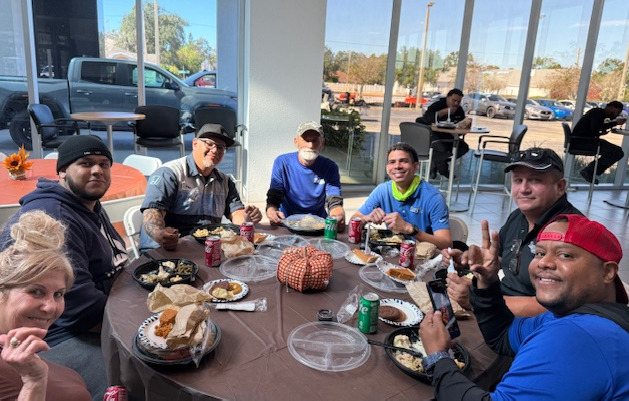
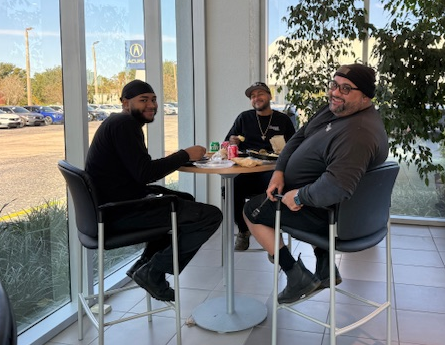
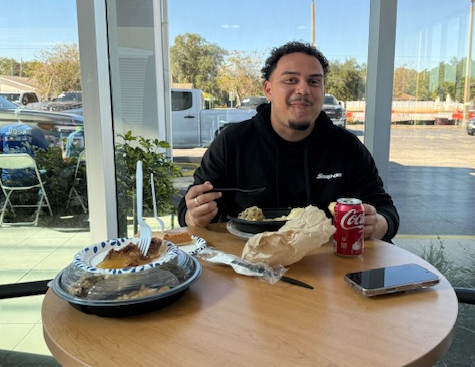


Happy Thanksgiving!
Let the words of my mouth and the meditation of my heart be acceptable in Your sight, O Lord, my Rock and Redeemer. Psalm 19:14
One of the most life-changing revelations we can have is to find out that we cand do something about our thoughts. We can practice “on purpose thinking.” We do not have to meditate on everything that pops into our minds: we can CHOOSE what we want to think about. We can choose power-enhancing thoughts–not power-draining thoughts. We can be deliberate about what goes on in our minds. We can break up with bad habits and form good habits. In fact, learning to think great thoughts on purpose is one of the keys to a great life.
We often allow ourselves to buy into the world’s idea of a “great life”. We may equate greatness with fame, fortune, athletic achievements or physical attractiveness. But none of these constitutes a truly great life. In fact, some of the most famous and wealth people in the world seem to be the most miserable people. To really have a great life, a person have have love, peace, joy, right standing with God, good relationships, and other qualities the world does not necessarily consider “great”. Without them, how could anyone’s life be great? Just think about it: What do we really have without peace and joy? Think great thoughts today and every day – thoughts of peace, joy, success, and love–and see how great you life will be.
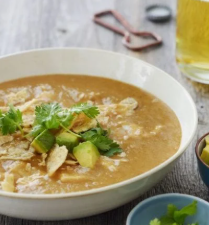
Servings: 4 to 6
Prep Time: 15 Minutes
Cook Time: 30 Minutes
Total Time: 45 Minutes
Winner of the Northside Pumpkin contest is Cheri Adams
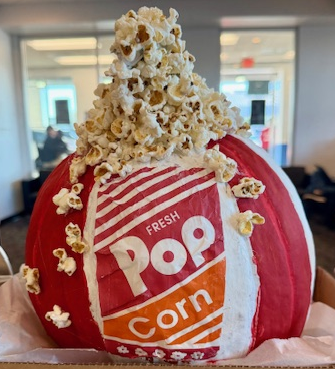
Honorable mentions that did a great job
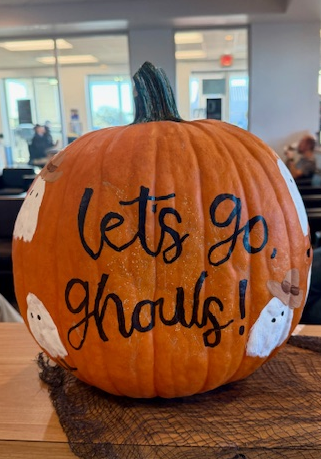
Alaina Southern

Chrissy Hartman’s carved pumpkin
Southside Pumpkin contest winner is Kimberly Burchett
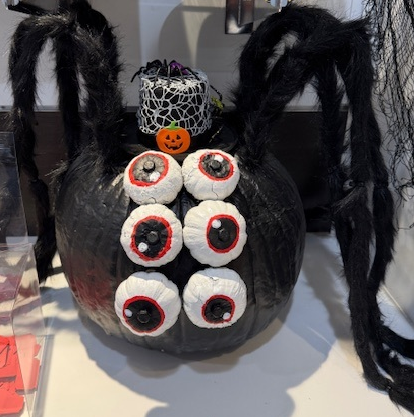
Other Honorable Mentions with great pumpkins:
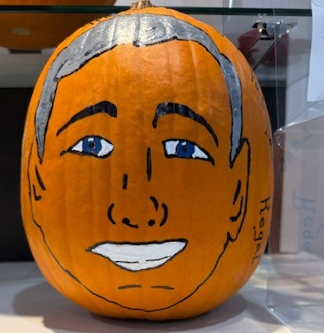
Jorge Valle: Sal says YES (even on Halloween pumkins)
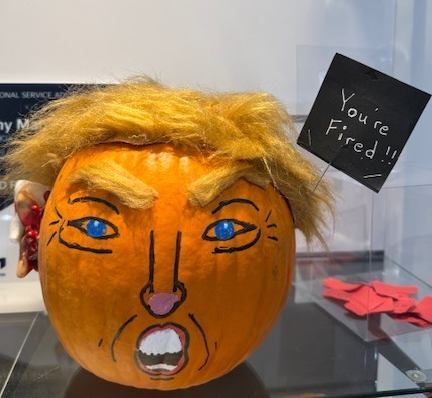
Jorge Valle: Trump pumpkin
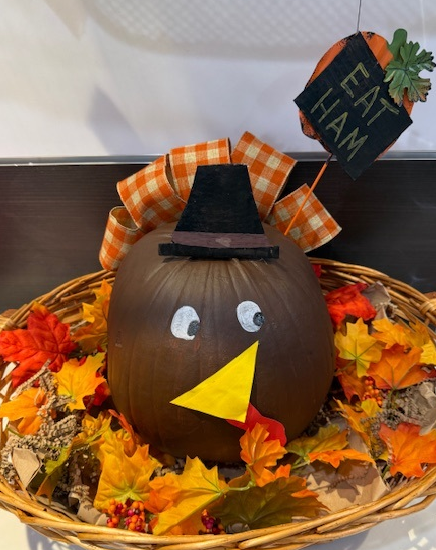
Cathy Felice: Happy Turkey Day!

Anneliese River: The Dunkinator

Jennifer Morales: The Pattywagon
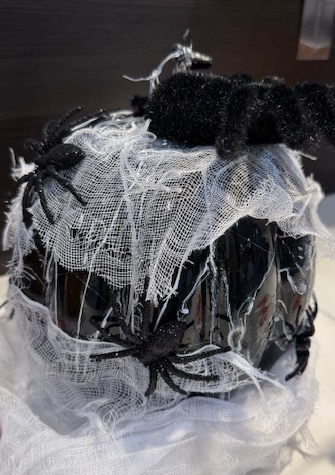
Tammy Pearson: Webtacular

Anonymous
Everyone did a great job with their pumpkins. Very creative! Thank you for participating
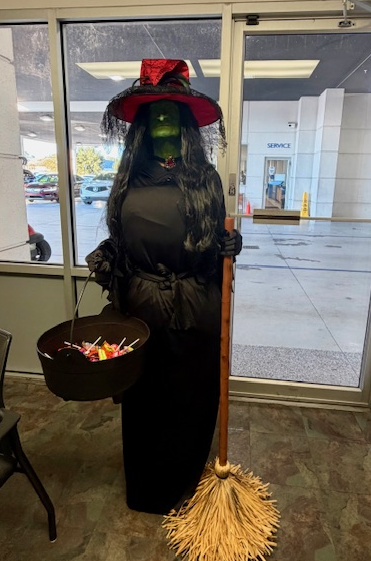
Brenda Hall -North Service Driver No one knew it was Brenda!

Where’s Waldo? I mean Sal!
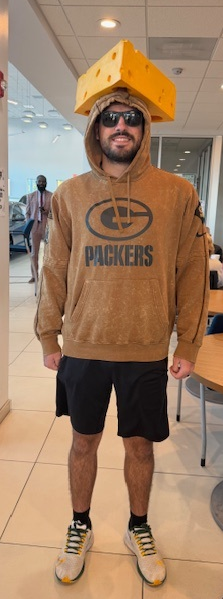
Camden the Cheesehead!
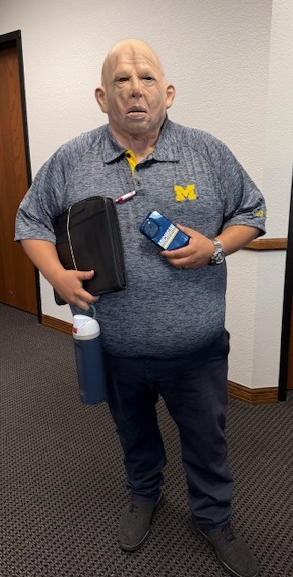
Tony Cooper stopped by…
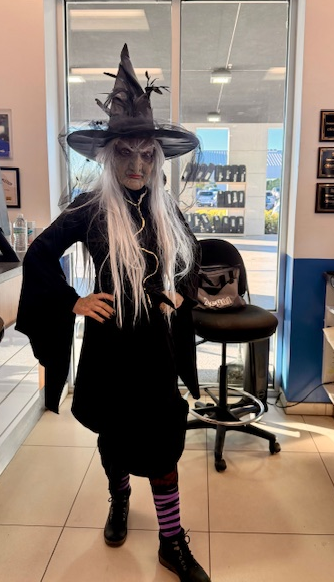
Chrissy ALWAYS has a great costume!
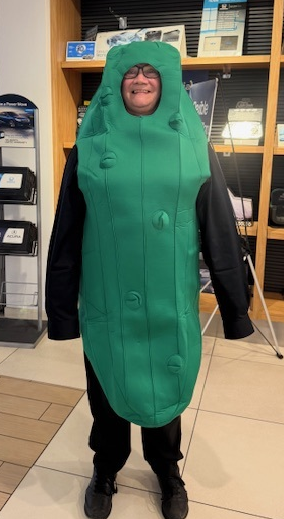
That’s Cheri Adams somewhere in there…
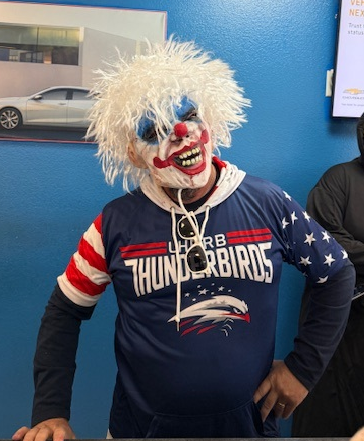
Anyone afraid of clowns? Scott was a scarry one!

Tatiana and her friend…
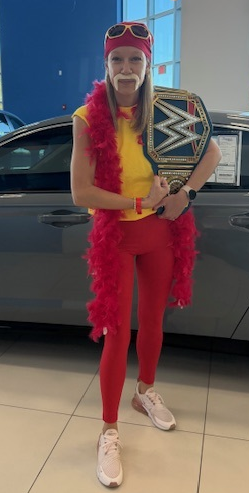
The HULK is alive!
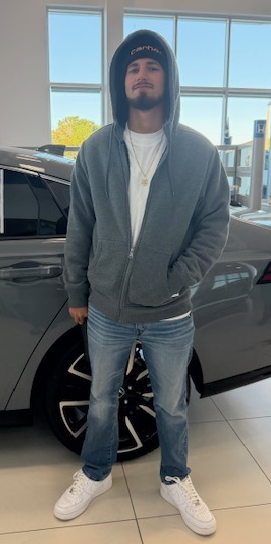
Eminem AKA Talan Miller
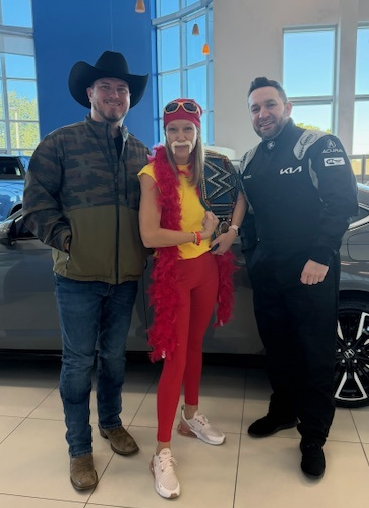
Rip, The Hulk and Nascar Srecko all together
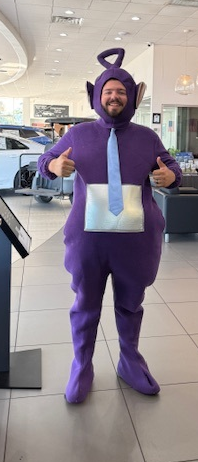
Cody from Kia Sales

Barb & Marti from Chevy Service
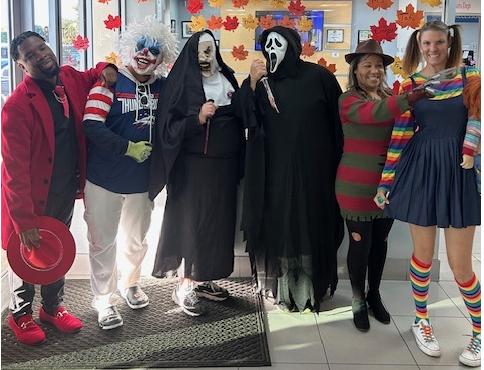
Chevy Service

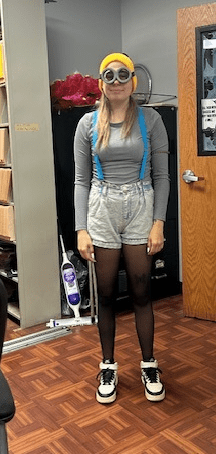
Hayley Blizzard

Misty-Kia Service always so creative

Annaliese and Jennifer Kia Service

Dr Fisher wants to sell you a car

Niko’s Devil Assistants
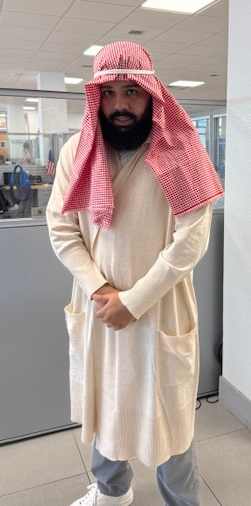
Gibran-Chevy Finance
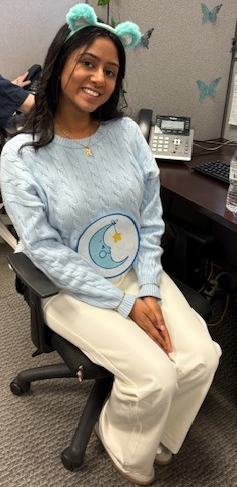
Nistha-BDC Reception
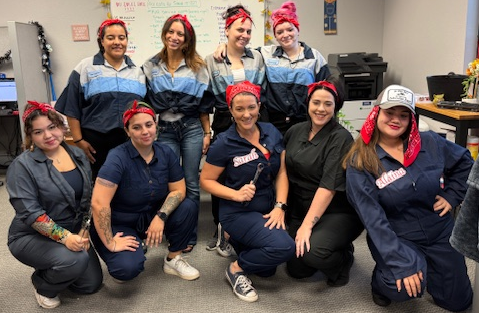
BDC Internet our Regal Techs
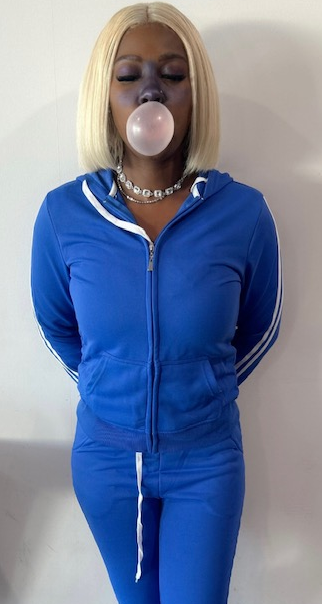
Demiya – Kia Service
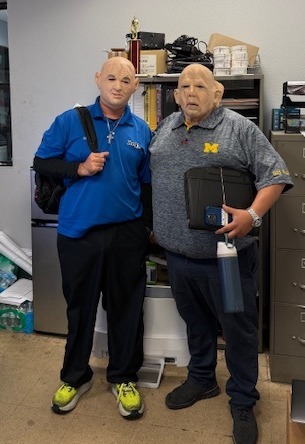
The WINNERS of the costume contest if we were having one has to be Jeff and Steve as Tony and Kevin!
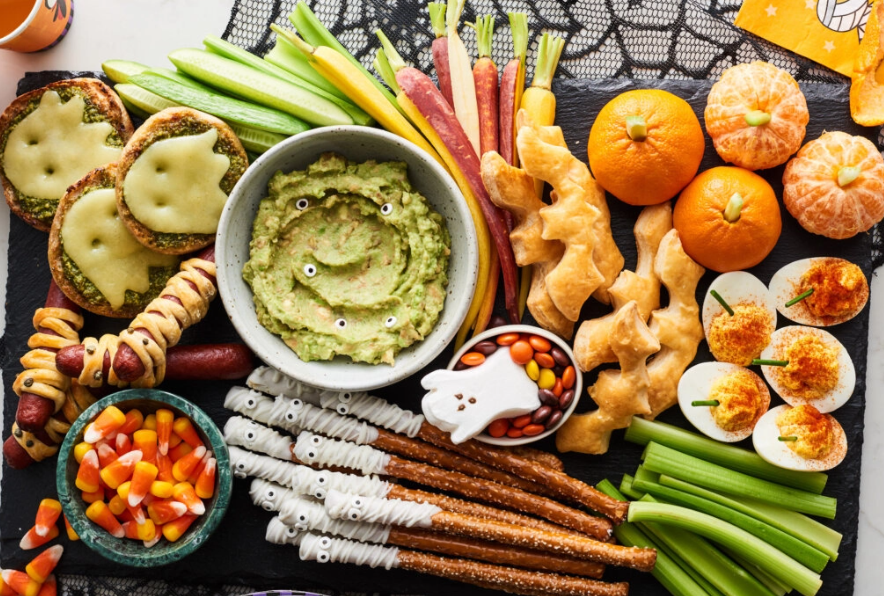
Serves 10 to 12
Grab your largest cutting board or a large baking sheet. Place the bowl of hummus or guacamole on the board and add a small spoon. Arrange the pigs in a blanket, English muffin pizzas, deviled eggs, puff pastry bats, and ghoulish pretzels on the board. Add the vegetables and fruit to the board. For extra Halloween fun, add chives to the deviled eggs and a small piece of celery to the tops of the clementines so they resemble pumpkins.
Now your board will be pretty full, so you can scatter the candy eyes and candy corn here and there. Make sure you set out plates for everyone to build a plate or napkins for those who like to graze.


 Regal Beagle Online