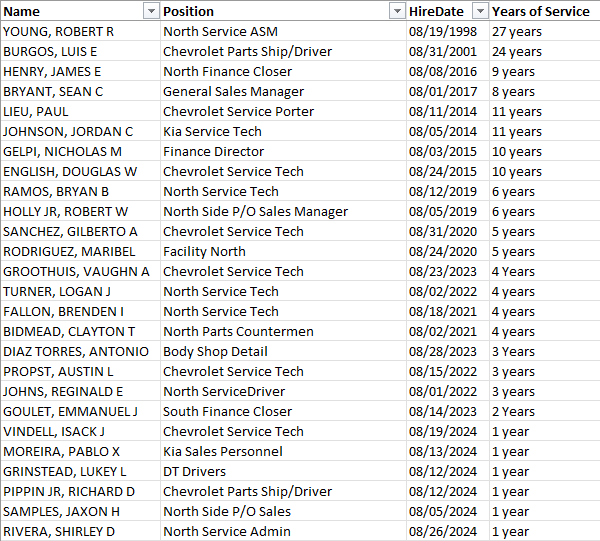
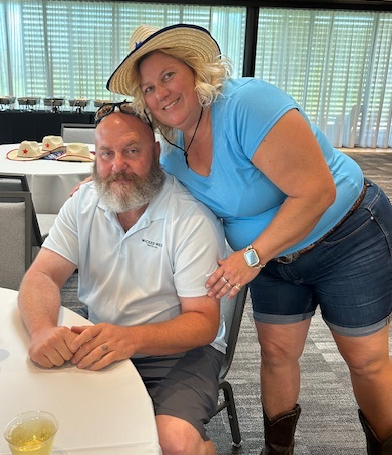
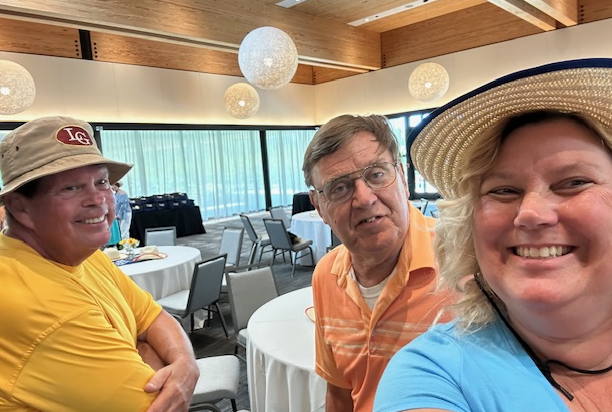
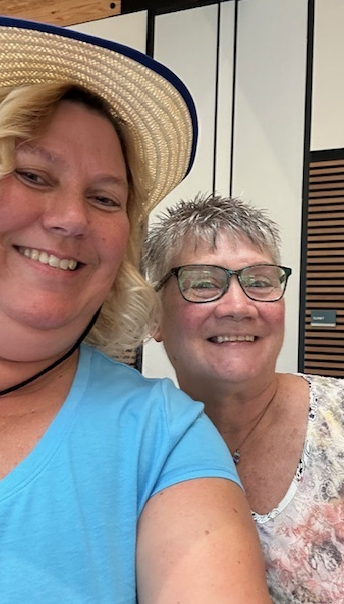
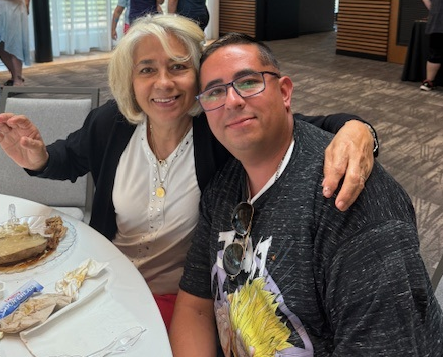
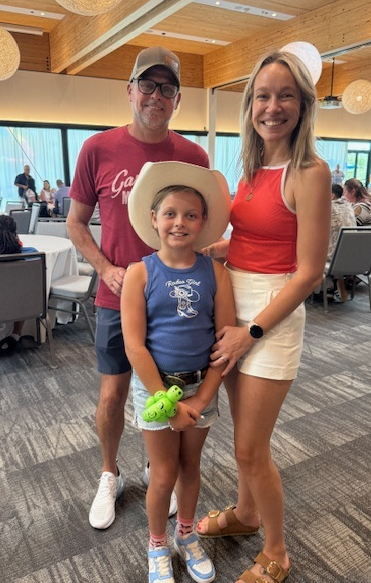
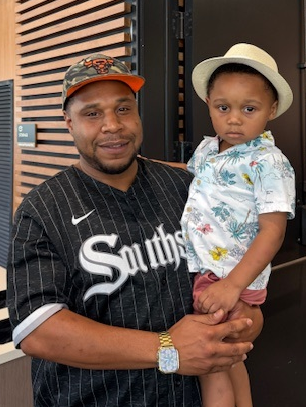
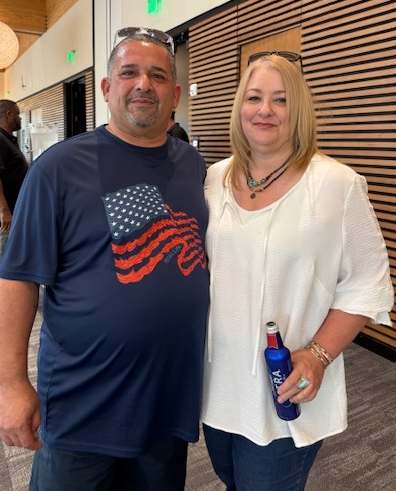
August Anniversary’s





























Rejoice always, pray continually, give thanks in all circumstances; for this is God’s will for you in Christ Jesus. 1Thessalonians 5:16-18
All of us have the privilege and responsibility of choosing our attitudes, no matter what circumstances or situations we find ourselves in. The key word here is choosing. Attitudes don’t just happen: they are the products of our choices. Over time, the thought patterns established in our minds can put us on “auto pilot”, which means that when certain types of situations occur, we are programmed to think about them in certain ways.
Just as airplane pilots must maintain contact with air traffic control towers, we must stay in touch with God–the One who sees the big picture of our lives and orchestrates everything that involves us so that everything in our lives happens at the right time, moves at the appropriate speed, and causes us to arrive safely at the “destinations” He has planned for us. If we want to stay on track with God, we have to make communication with Him a priority. He will help us navigate the ups and downs of life and find our way through days when we can’t seem to see the next step we need to take. Communicate with God frequently through prayer, ready His Word, worship, and acknowledgement of His presence and guidance throughout every day.


Here is a suggestion of what to ask Ai about a health diagnosis:
ChatGPT can be your shortcut to real understanding. Start your prompt with, “Act like a medical researcher” or “Explain this like I’m new to this topic.”
Then paste in anything you’re trying to decode, i.e., your diagnosis, lab results, side effects, medication complications, a medical article or schedules for the best time to take pills.
Ask it to summarize, translate complex language or compare treatment options. You’ll get clear, human-sounding explanations without having to wade through endless jargon.
Try asking:
“What’s a simple explanation of [your diagnosis]?”
“What are common side effects of [X] treatment?”
“Which hospitals are best for treating [condition]?”
“Summarize recent research about [disease].”
“Are there any new clinical trials for [condition]?”
⚠️ But be smart
Always verify what you find. Ask ChatGPT for sources. Cross-check with trusted sites like Mayo Clinic or NIH, and talk to your doctor before making any decisions.
AI won’t fix everything. But it can help you go from scared and overwhelmed to informed and ready.

Silent Push analysts uncovered thousands of fake websites posing as trusted stores like Apple, Michael Kors, Harbor Freight, REI, Omaha Steaks and more. There’s a massive global scam operation that uses real payment methods on fake checkout pages. Like thousands-of-sites massive.
The twist? The criminals, likely based in China, take your payment and ghost you. No product. No refund. No customer service. Total fake-out.
They’re copying everything. Logos, layouts, even the checkout process, so much so that you’d swear you were on the real REI website while buying $10 trail shoes.
But there were some sites with mismatched logos and products. A Harbor Freight clone showed Wrangler jeans.
Even worse: These scam sites are popping up faster than hosting companies can take them down. Many are still up right now.
Bottom line: If the deal looks like it crawled straight out of your dreams, it’s probably from your nightmares. Slow down before you click “buy.”
Start with your browser
Fight back, one browser setting at a time.
Chrome:
Click the three dots (top right) > Settings > Privacy and security > Site Settings
Scroll down and block pop-ups and redirects
Safari (Mac):
Safari > Settings > Websites > Content Blockers
It tries to get rid of pop-ups, trackers, auto-play videos and more
Firefox:
Settings > Privacy & Security
Under Enhanced Tracking Protection, set it to Strict
Hello!
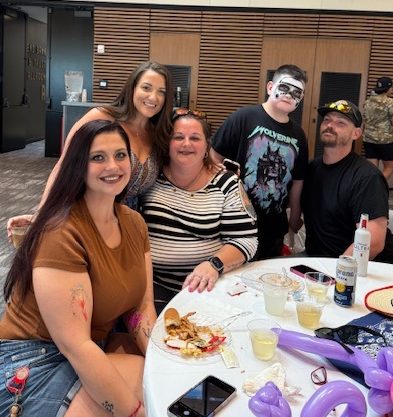
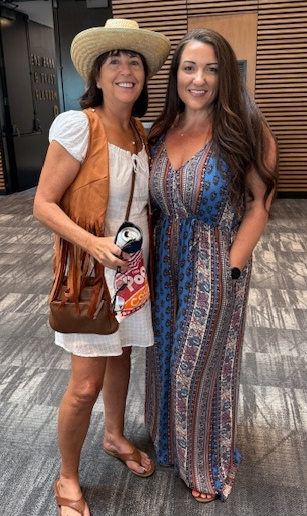
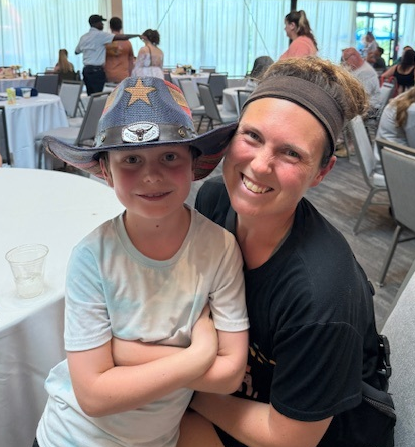
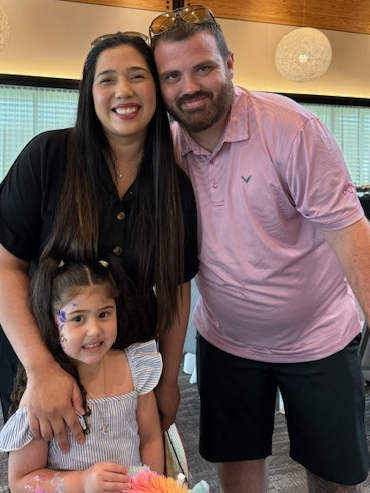
Reminder that we’ll be having our Company Picnic on Sunday, July 27th at Bonnet Springs Park from 12:00 PM to 4:00 PM.
There will be food, drinks, games, and tons of fun for everyone to enjoy!


Regal Automotive Group will be closed on Friday, July 4th. We want to wish all our employees a safe and Happy holiday. Enjoy your time with family and friends. We will reopen at our normal business hours on Saturday, July 5th.
Sal Jr

 Regal Beagle Online