I just learned you can fax if you have Ring Central on your desktop! I was so excited that I learned so I wanted to share with you what to do.
- Scan and save on your computer the document you want to fax.
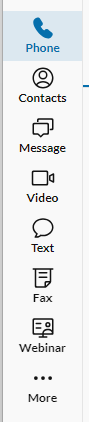
- Open your Ring Central app on your desktop and on the left side, click on the word Fax
3. Click the icon with +sign on the left of the pencil. (Hover over and it says SEND NEW FAX)

4. Enter the number you want to fax to (Also, note the number to fax from) That is your number!
5. You have the option to include a fax cover sheet at the drop down.
6. Attach the forms you want faxed and click SEND NOW!
7. Soon after you will receive an email showing your fax was successfull.
 Regal Beagle Online